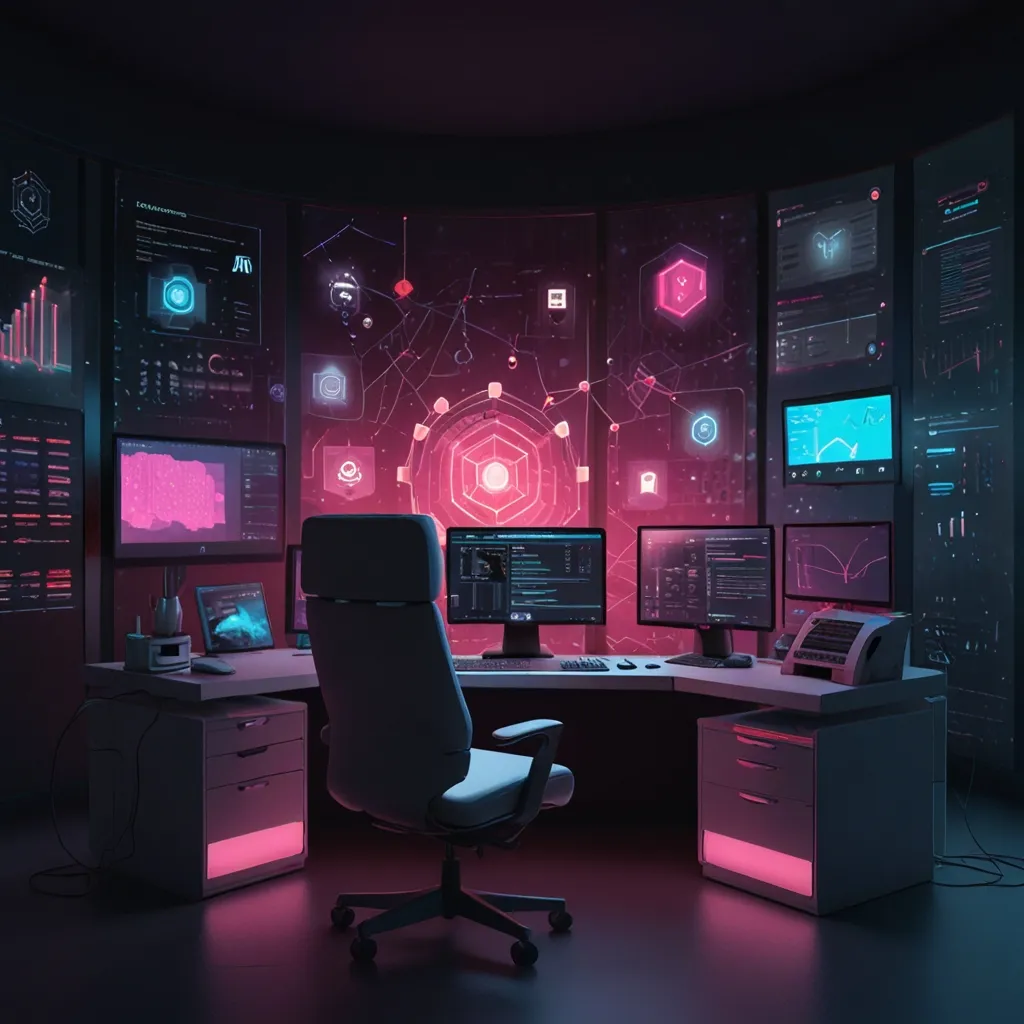
In the digital realm, there’s something that’s been turning heads and calming eyes – Dark Mode. This nifty little design trick swaps out the usual bright backgrounds for dark ones, with lighter text for contrast. Beyond just looking cool, it’s got some real perks, like reducing eye strain and saving energy. Let’s take a deeper look at why Dark Mode has become the darling of digital design and what science has to say about it.
Back in the day, before computers became sleek and colorful, early monitors had dark backgrounds with glowing green or amber text. This was the default setting, largely due to the technology (phosphor screens) available at the time. As tech evolved, light mode took over. But now, with eyes glued to screens more than ever, Dark Mode has made a stylish comeback.
Why do people dig Dark Mode so much? Well, one big reason is eye strain. Staring at a bright white screen, especially in a dark room, can be harsh. Imagine scrolling through your feed late at night with your phone almost blinding you. Switching to Dark Mode cuts that glare and dials down the blue light, making screen time a bit more bearable.
From an eye health standpoint, Dark Mode has its benefits. Folks with visual impairments like cataracts find it easier to read on dark backgrounds. The cloudy media in their eyes scatter light in a way that makes bright environments challenging. Dark Mode reduces the light entering their eyes, offering a more focused viewing experience.
But don’t jump to the conclusion that Dark Mode is a cure-all. Some studies suggest the benefits might be situational. Bright environments can diminish the difference between Dark Mode and light mode. Plus, Dark Mode can cause your pupils to dilate more, making it harder to focus, similar to how a camera’s aperture works – a smaller aperture (constricted pupils) gives a sharper image, while a larger one (dilated pupils) might blur things.
Saving energy is another feather in Dark Mode’s cap. If you’ve got an OLED display, each pixel lights up independently. With Dark Mode, black pixels are basically off, which cuts down on power usage. For devices with OLED screens, this could stretch battery life by up to 30%. Handy for those always on the move.
Aesthetically, Dark Mode wins hearts. Many people simply like how it looks. It gives interfaces a sleek, modern vibe and can enhance user experience. No wonder that many top-notch apps and websites have jumped on the Dark Mode bandwagon. It’s not just about utility; it’s also about making things look and feel right.
Interestingly, user preferences for Dark Mode vary. Surveys indicate that about one-third of users prefer Dark Mode, another third stick with light mode, and the rest mix it up. This mix underscores the need to offer both options to cater to everyone’s tastes. For some, it’s a matter of preference and context, but for those with visual impairments, Dark Mode can literally change the game.
Now, let’s talk readability. Traditionally, black text on white paper is considered the gold standard. But digital screens are a different ball game. Research suggests that while dark text on a light background is generally easier to read, light text on dark backgrounds works well too, especially in dim settings. The trick is to strike the right balance of contrast and brightness so text is clear without straining the eyes.
In practice, Dark Mode is becoming ubiquitous. Giants like YouTube and Google offer Dark Mode settings that users can switch on or off as they like. For those who spend countless hours on these platforms, this option can significantly cut down on eye fatigue and boost overall comfort.
Moving forward, Dark Mode’s evolution holds promise for even better energy efficiency and readability. As tech advances and more research rolls in, we’ll likely see refined versions of Dark Mode that might bring new benefits or reveal additional nuances.
To wrap it up, Dark Mode isn’t just a fleeting trend in design; it addresses real issues like eye strain and energy use. While it’s not universally perfect, its advantages are clear. Whether you’re looking to ease your eyes, save some battery, or just like the sleek look, Dark Mode is worth exploring. In our ever-growing digital world, it’s clear that Dark Mode will continue to be a significant feature in how we interact with screens.